For servers you reach over SSH
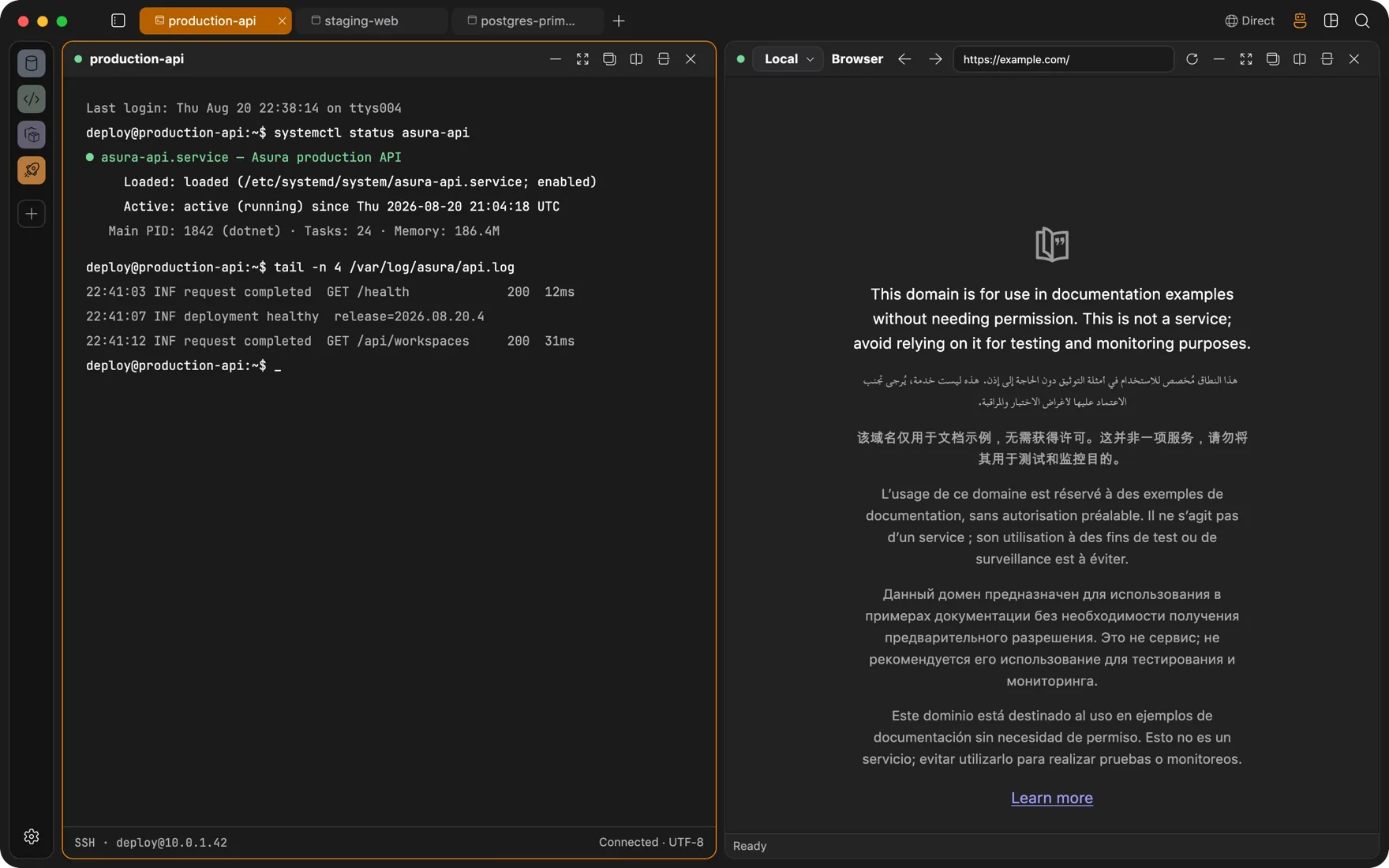
One SSH connection, every panel
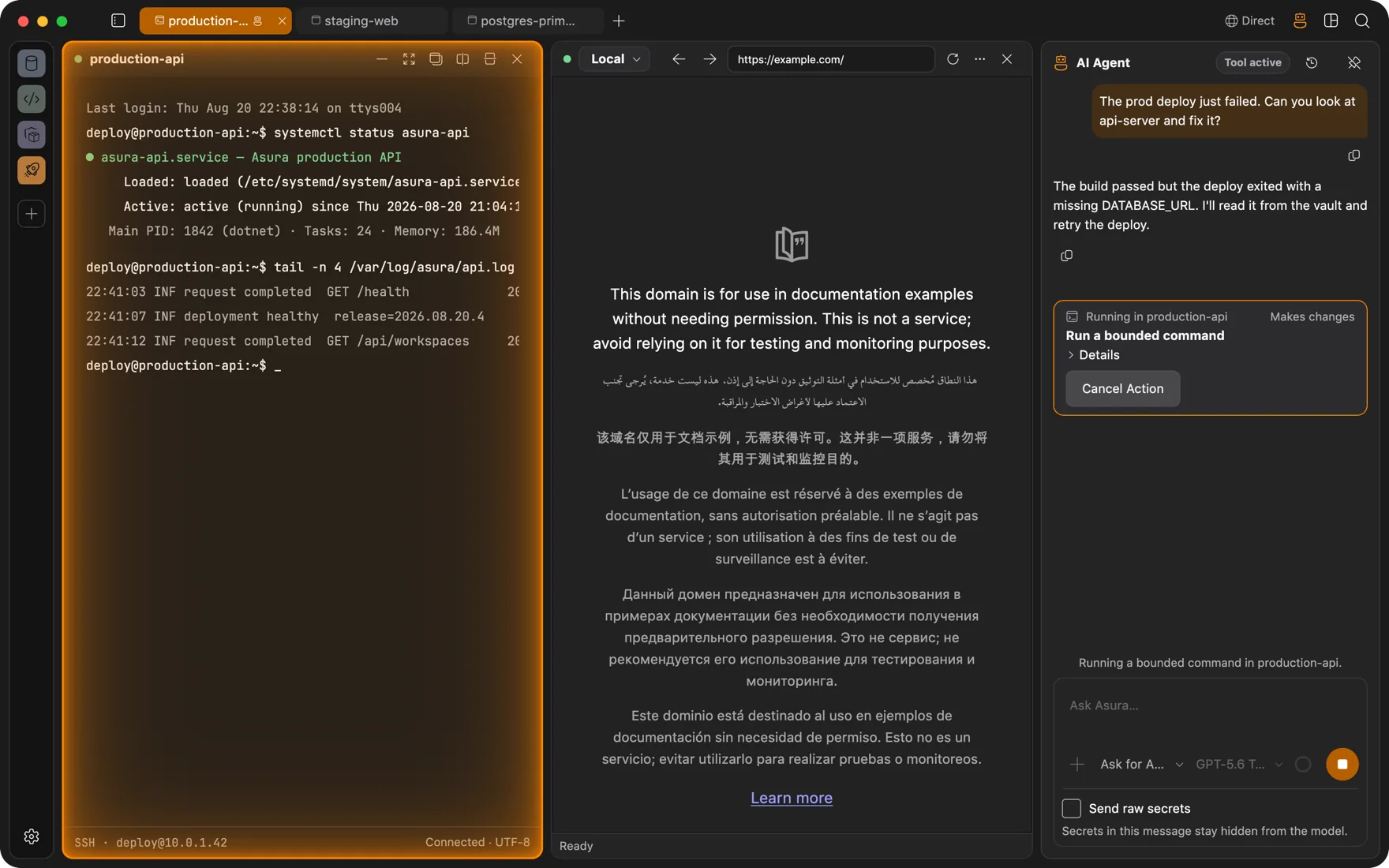
One SSH connection drives a terminal, a browser that opens the box's own localhost ports, a file manager, process and statistics views, and database panels. The server sees an ordinary SSH user and nothing else.
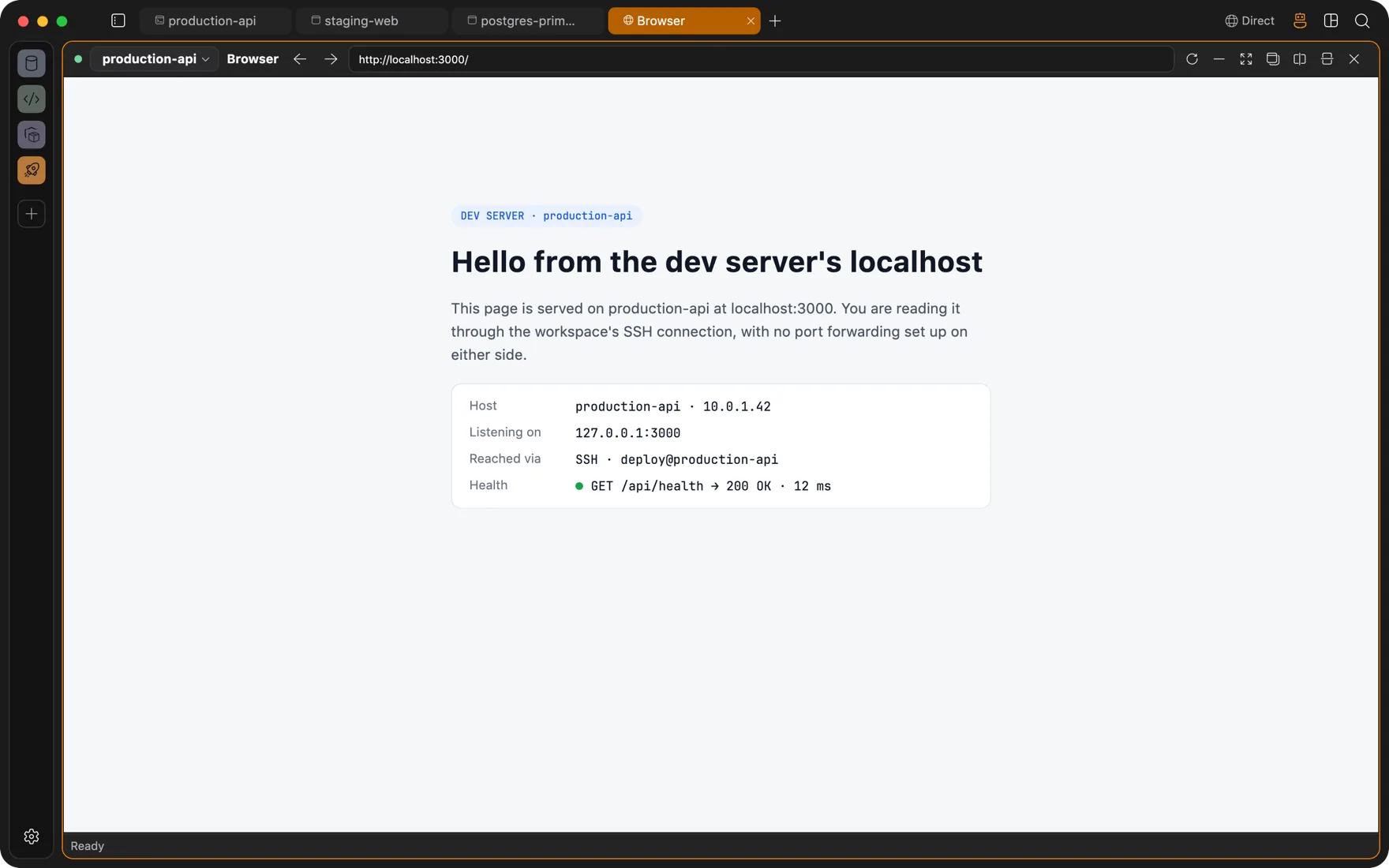
Remote localhost
Open localhost:3000 on the server, in a tab, without ssh -L
A browser panel has a host selector like every other panel. Pick the SSH connection and type the address. Asura carries the page through the tunnel, so a dev server, an admin UI on a private subnet, or a metrics dashboard loads like a local page.
- Private addresses resolve on the server side, so 10.0.x.x dashboards and internal hostnames work.
- Each workspace keeps its own cookies and logins, so two clients' admin panels never share a session.
- The agent can read and click those pages too, through the same tunnel and the same approvals.
Every panel goes remote
Files, processes, statistics, and databases over the same connection
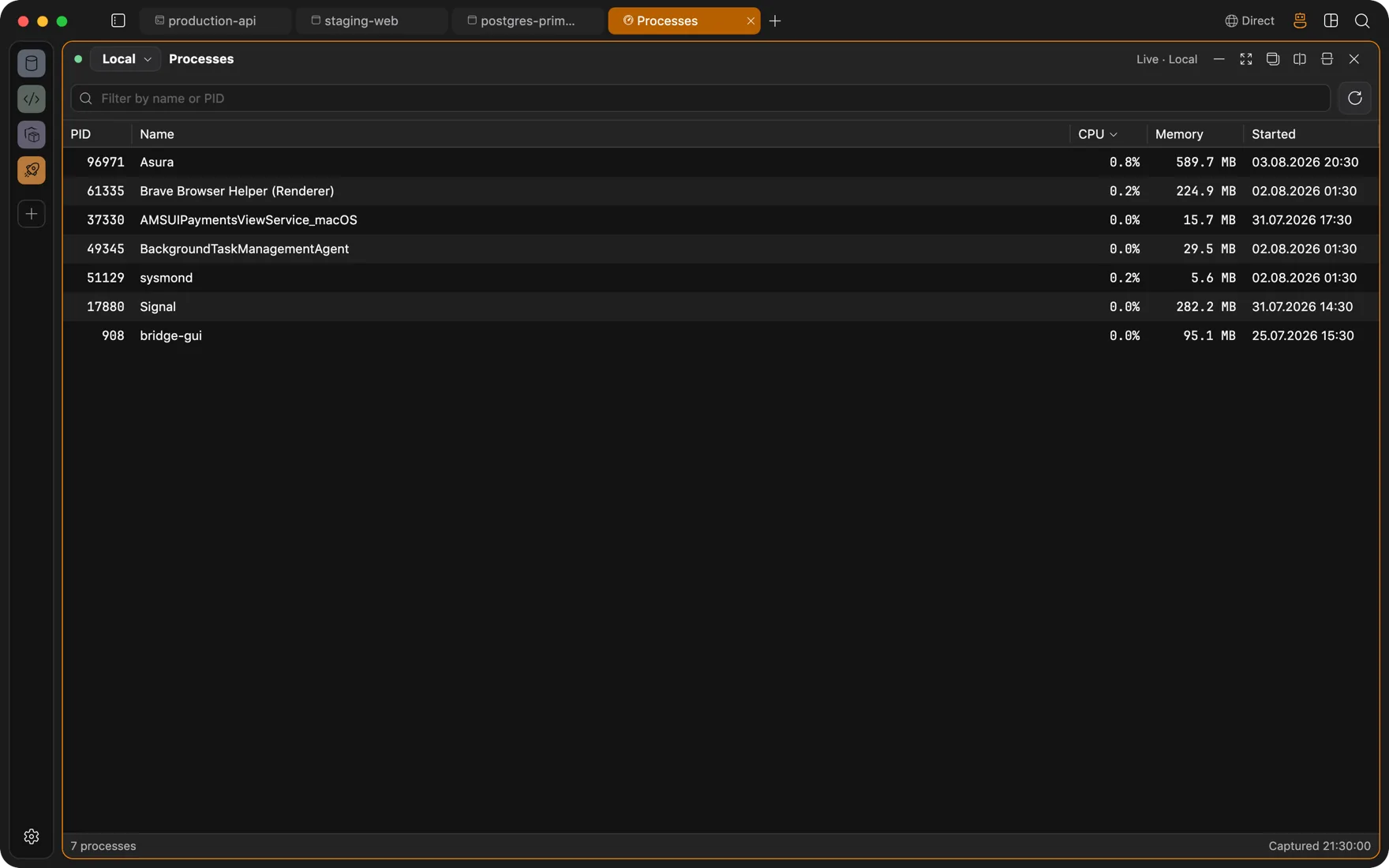
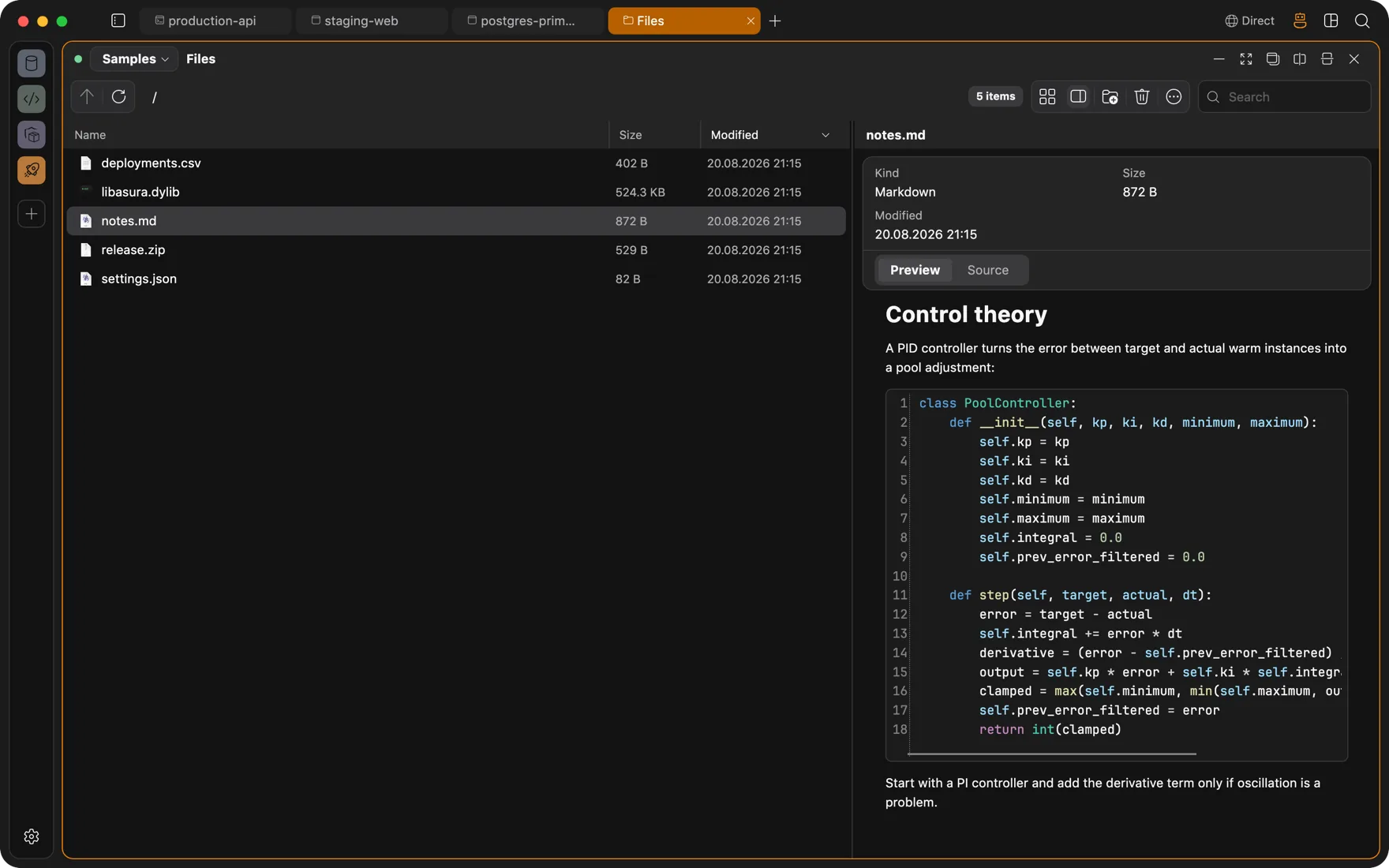
Flip a panel from Local to a connection and it works against that machine. The file panel browses over SFTP with queued transfers. Processes and Statistics sample with plain system commands. Database panels tunnel to the engine listening on the server.
- No daemon or agent on the host. Monitoring runs standard commands over the SSH session.
- Terminals can also target Docker containers and WSL, with SSH keys, ssh-agent, or passwords and a host-key review dialog.
- File previews for text, images, PDFs, hex, and archives, plus a permissions editor.
Session continuity
Sessions that survive a dropped connection
Remote terminals run inside a tmux or GNU Screen session that is already on the server. Drop Wi-Fi, switch networks, or restart the app, and the compile keeps going. The terminal reattaches when you come back, scrollback included.
- Managed sessions are named asura-* and stay separate from anything else you run on the box.
- If continuity is not possible on a host, Asura offers a plain SSH session instead of failing silently.
- A global Quick Terminal drops a shell over whatever you are doing. macOS today; Windows and Linux X11 when those builds ship.
The agent, remotely
An agent on the server with zero footprint
The agent runs inside Asura on your Mac and reaches the server through the SSH session you already opened. It reads the terminal screen, types real keystrokes, and waits for prompts, so it can drive installers, vim, and cloud CLI wizards. Every change waits for your approval.
- The remote host sees keystrokes in an SSH session. There is no sidecar, no extra port, no binary to audit.
- Touch the keyboard and the agent loses its input lease at once.
- Secrets stay in your Keychain. The agent works with session handles, never passwords.
Questions
FAQ
Do I have to install anything on my servers?
No. Everything remote runs over standard SSH and SFTP. Session continuity uses the tmux or GNU Screen already on the box, monitoring samples with plain system commands, and the agent drives a normal PTY. No daemon, no sidecar, no extra open ports.
How does the browser reach a remote localhost?
A browser panel bound to an SSH connection sends its traffic through that connection. Name resolution happens on the server side, so localhost, private IPs, and internal hostnames resolve there. No port forwarding to set up by hand.
Which SSH authentication methods work?
ssh-agent, a private key, or a password. Keys and passwords live in your Keychain. A new or changed host key opens a review dialog before the connection proceeds.
Also
Other ways people use Asura
AI agent
An agent that types into real terminals and reads real pages, with each change run only after you approve it. Bring your own model.
DevOps
Docker engines and Kubernetes clusters as panels beside the terminal, deploys that survive a dropped connection, and an agent whose changes wait for your approval.
Client work
One workspace per client: its own VM, its own VPN, its own browser logins, its own connections. Nothing leaks between them.
Full-stack development
Database client, Redis browser, Docker Desktop, SFTP app, and Git GUI, replaced by panels in the window your terminal is already in.

Get Asura
Free and open source under the MIT license. A signed and notarized build for macOS 13 or later on Apple silicon. Windows and Linux builds are on the way.
Verify the archive against its SHA-256 checksum. Updates arrive in-app: Settings, About, Check for Updates.