For client work
Prod, staging, client A, and client B never meet
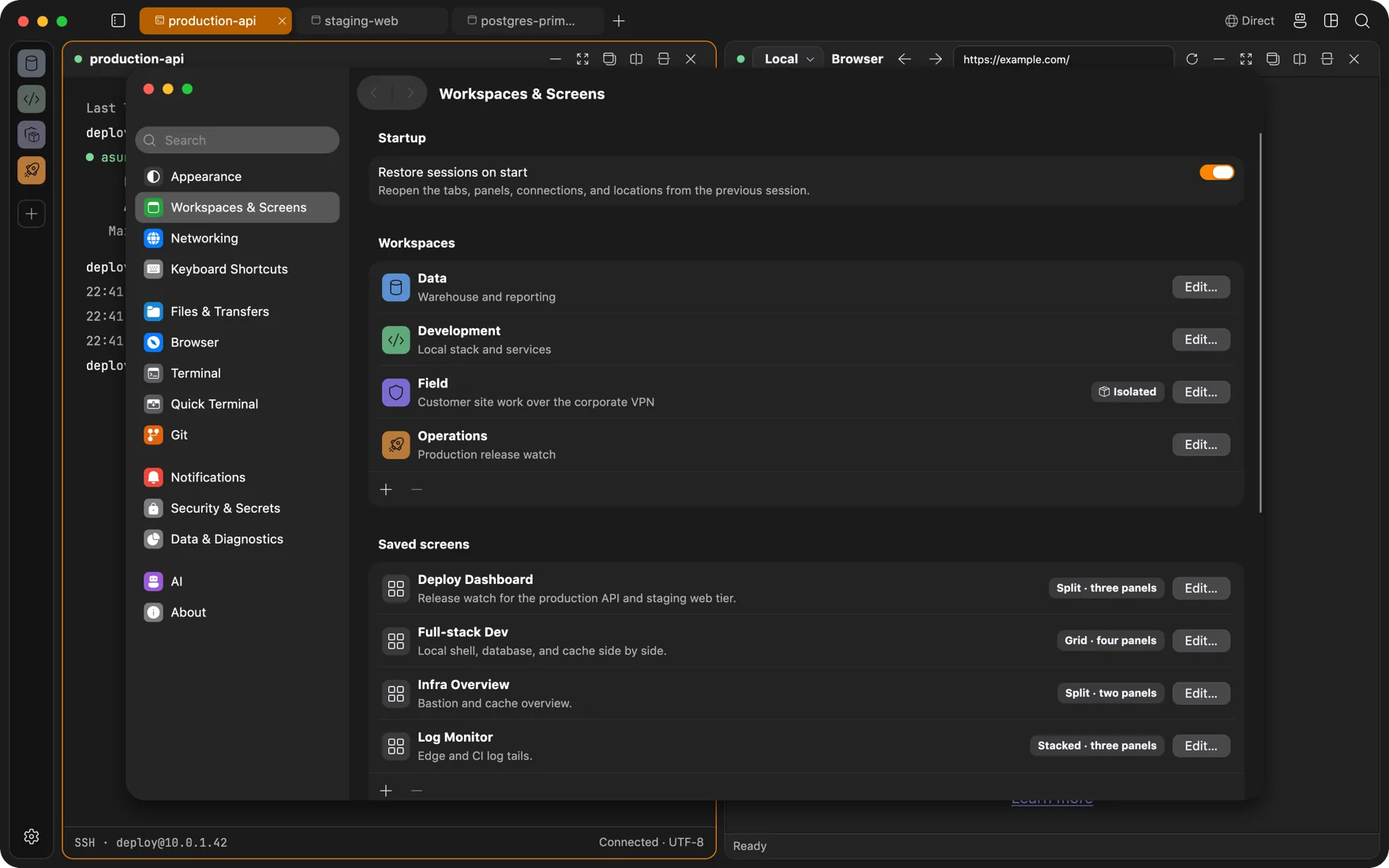
A workspace holds its own connections, tabs, saved screens, browser identity, and network route. Add isolation and the whole workspace runs in a persistent Linux VM that reaches the network only through the tunnel you chose.
Per-workspace networking
Every workspace on its own VPN
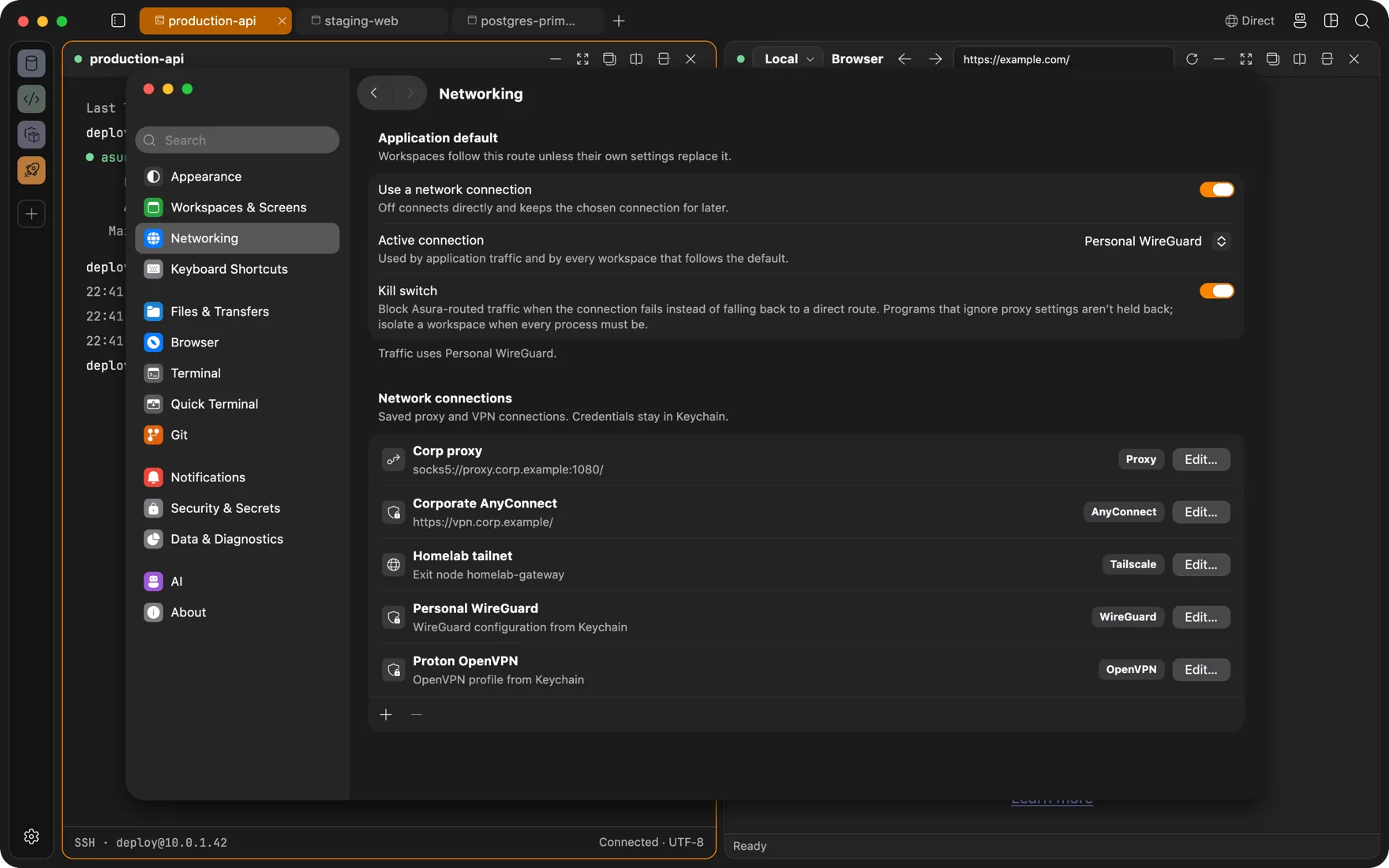
WireGuard, OpenVPN, Cisco AnyConnect, a Tailscale exit node, or a SOCKS5, HTTP, or HTTPS proxy. The engines ship inside the app as userspace tunnels: no system VPN profile, no kernel extension, no change to your routing table, and no other program dragged along.
- Different workspaces can be on different tunnels at the same time.
- A switch in the title bar swaps or pauses the route without editing anything.
- A kill switch stops the workspace's traffic if the tunnel drops instead of sliding back to your direct connection.
- VPN configs, keys, and passwords live in your Keychain. A password you would rather not store is asked for at connect time.
Isolation
The whole workspace in its own VM
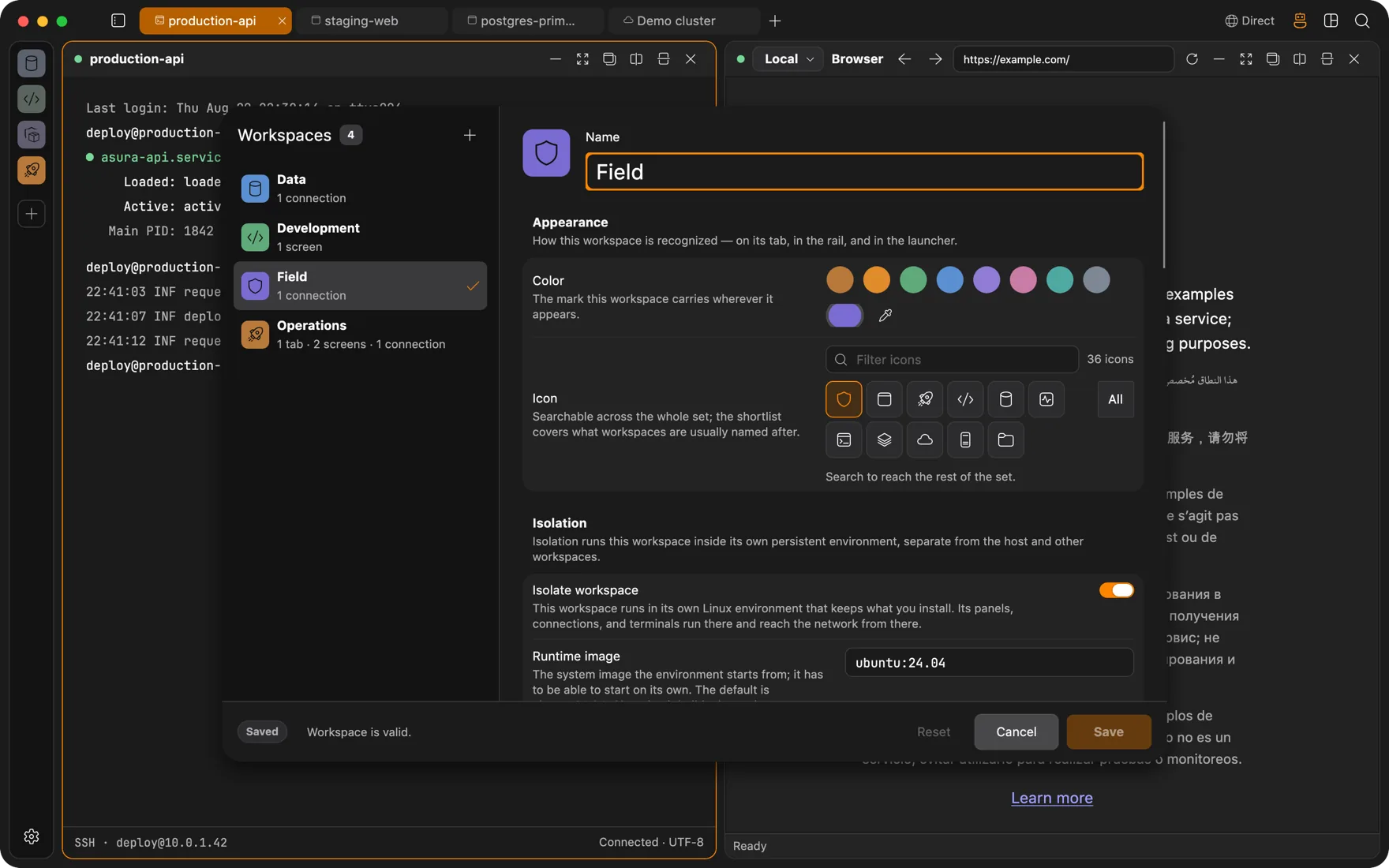
Flip one switch and the workspace runs inside a persistent Linux container with its own kernel, root filesystem, and network namespace. Terminals, the file panel, browser traffic, database and Redis sessions, remote files, Kubernetes authentication, and the agent itself can all live in there.
- Persistent by design. Closing the workspace stops the VM, not its disk. apt install once and it is there next week.
- The host stays private. Mount chosen folders read-only or read-write, or mount nothing.
- Paired with a workspace VPN, the VM has exactly one way out, so every process inside obeys the route, not only the ones that honor proxy settings.
- Ubuntu 24.04 by default, or any bootable OCI image with an init. The runtime is bundled; it needs Apple silicon and macOS 26.
Identity
Separate logins, separate secrets, separate layouts
The embedded browser keeps cookies and sessions per workspace, so the AWS console you are signed into for one client does not exist in the next. Connections, saved screens, and the agent's view are scoped to the workspace too.
- Named, encrypted browser profiles plus private sessions. New workspaces default to an isolated profile.
- Secrets are named entries in your Keychain that connections reference, with an access audit.
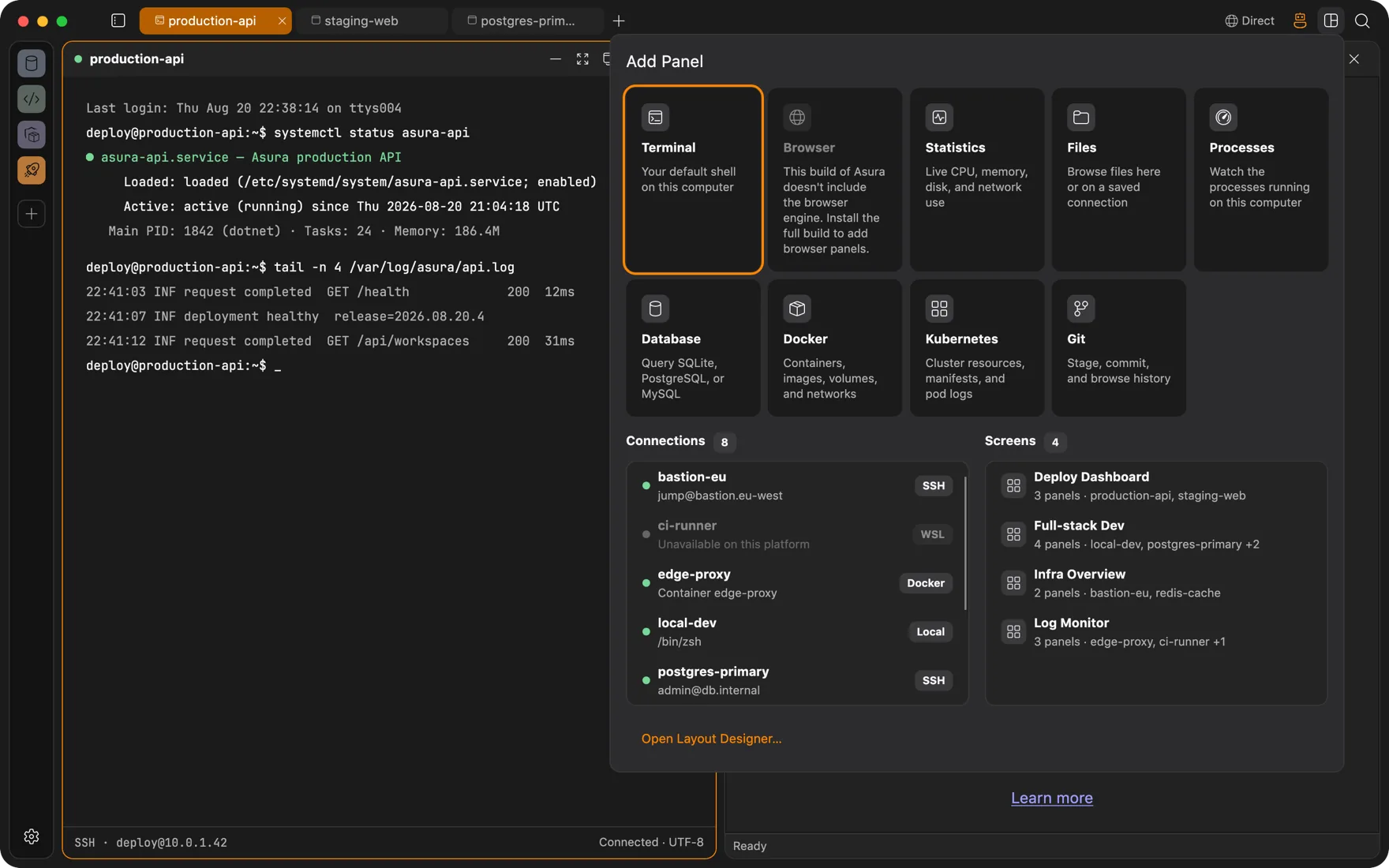
- Saved screens reopen a four-panel layout of terminal, browser, database, and monitor exactly as you left it.
Questions
FAQ
Does a workspace VPN affect the rest of my machine?
No. Each connection is a userspace tunnel inside Asura: no system VPN profile, no kernel extension, no change to your routing table. Only the workspaces that chose that connection send traffic through it. Your mail, your other browser, and everything else keep using the network as before.
What happens when a VPN drops?
With the kill switch on, a workspace whose route fails stops sending traffic until the route is back or you turn networking off for that workspace. Inside an isolated workspace the VM itself enforces this; it has no other way out. In a non-isolated workspace the kill switch covers everything Asura routes, while a program that ignores proxy settings could still reach the network directly.
What does isolation require?
Apple silicon and macOS 26. The container runtime is bundled with the app, and the Linux boot image is downloaded on first use from the matching release. Linux and Windows backends are planned.
Also
Other ways people use Asura
Servers over SSH
Browse a remote localhost, watch processes, edit files, and run an agent on a box that only sees an SSH session.
AI agent
An agent that types into real terminals and reads real pages, with each change run only after you approve it. Bring your own model.
DevOps
Docker engines and Kubernetes clusters as panels beside the terminal, deploys that survive a dropped connection, and an agent whose changes wait for your approval.
Full-stack development
Database client, Redis browser, Docker Desktop, SFTP app, and Git GUI, replaced by panels in the window your terminal is already in.
Get Asura
Free and open source under the MIT license. A signed and notarized build for macOS 13 or later on Apple silicon. Windows and Linux builds are on the way.
Verify the archive against its SHA-256 checksum. Updates arrive in-app: Settings, About, Check for Updates.