For agent work in terminals and browsers
An agent inside your terminals, browser, and servers
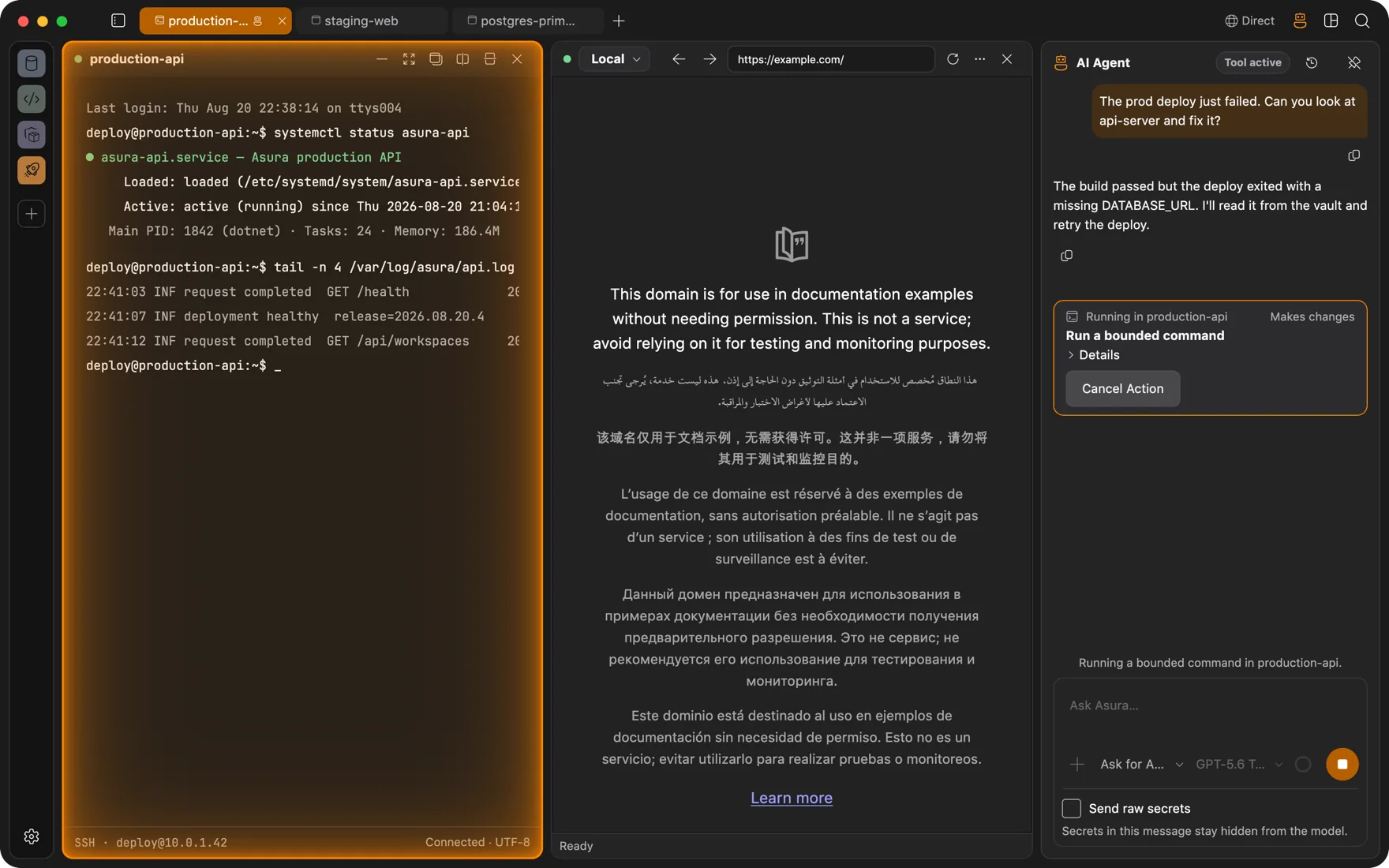
Ask it to fix a failed deploy and it reads the logs in your terminal, checks the service, and proposes the command. It runs inside the app, native .NET with no Node sidecar. Each command, click, or write it proposes runs after you approve it.
Control
Permissions per capability
Every tool call is a typed action: run a command, click an element, write a file, change a container, apply a manifest. You set a permission level per capability. Ask is the default for anything that changes state.
- Four levels per capability: Off, Ask, Auto for observation and routine actions, and a time-bounded Full access you grant on purpose.
- Kubernetes capabilities start Off. Git pushes, Docker lifecycle actions, and file writes each have their own switch.
- Start typing in a terminal the agent is using and its input lease is revoked immediately.
Terminals
Real keystrokes into real terminals
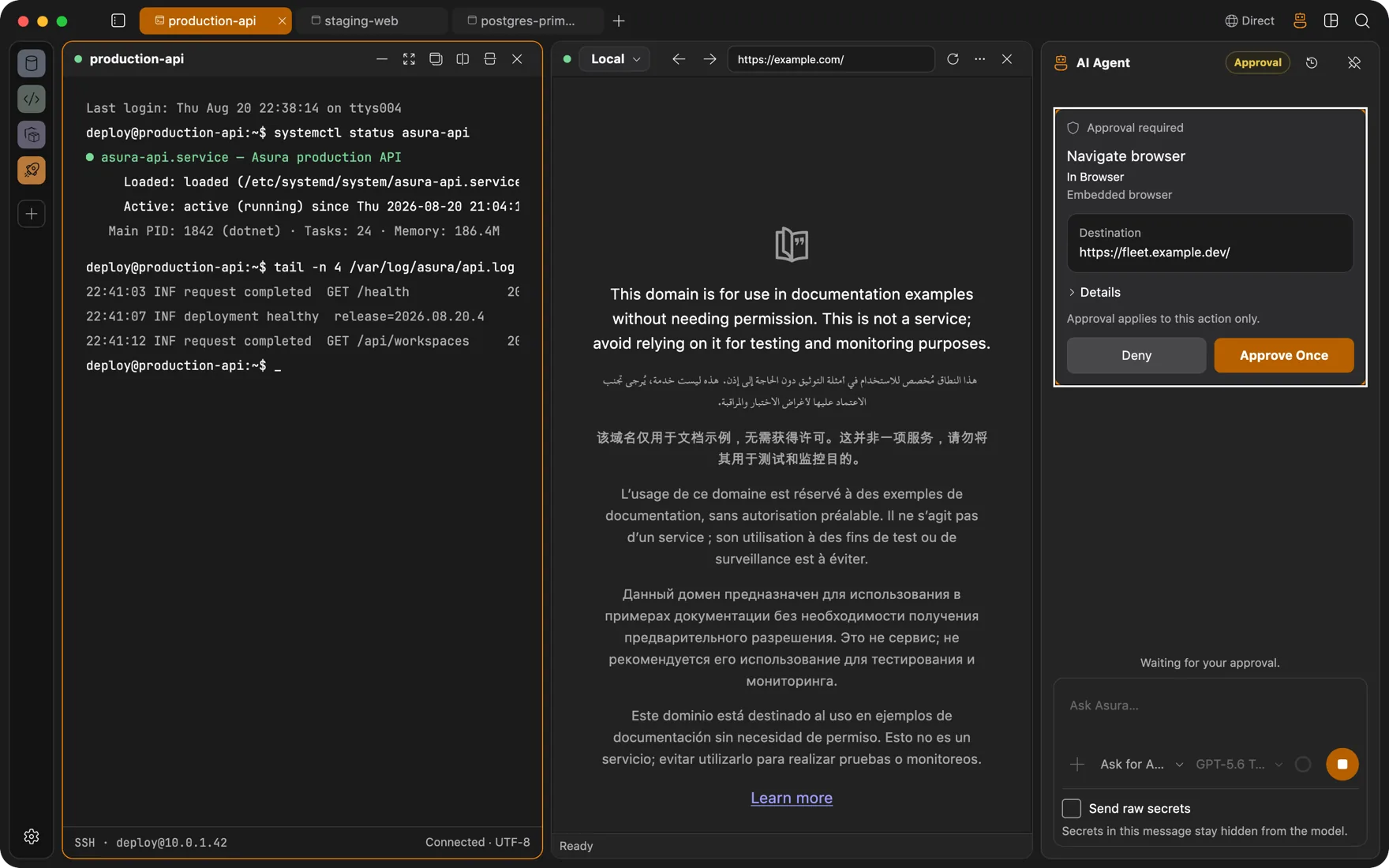
The agent reads the screen, the scrollback, and the diff since it last looked. It sends keystrokes, chords, and mouse events to the PTY, so interactive prompts, TUIs, and full-screen editors work. It waits for output instead of guessing.
- Local, SSH, Docker, and WSL terminals, plus pod terminals in Kubernetes.
- Runs with a scope you choose: this panel, this tab, selected panels, or the workspace.
- Steer it mid-run, resume from an idle checkpoint, and compact long conversations when context fills up.
Browser and web
Pages as accessibility snapshots
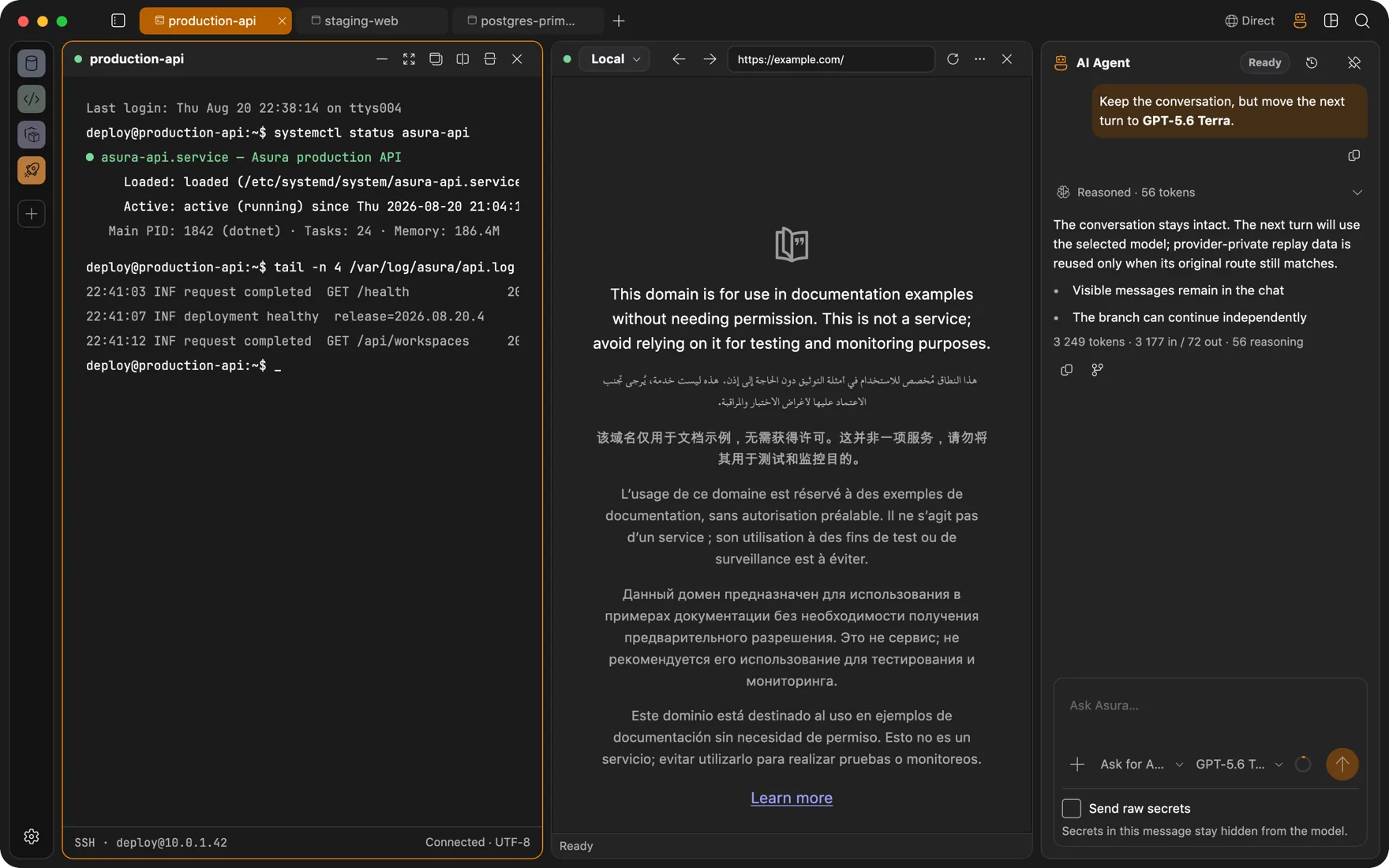
The agent sees pages as accessibility snapshots with element references, and clicks, fills, and checks by reference. Stale references are rejected. When it needs coordinates, a screenshot is tied to a viewport revision so it cannot click an old layout.
- Page content is untrusted input. Instructions on a page never become actions without your approval.
- Web search, page reading, and HTTP fetch for tasks that need fresh information.
- Point the browser through an SSH tunnel and the agent can work your internal web apps.
Models and tools
Your model, your MCP servers
Asura speaks to Anthropic, OpenAI (API key or ChatGPT sign-in), xAI, DeepSeek, Moonshot AI, OpenRouter, GitHub Copilot, Ollama, and any OpenAI-compatible endpoint. Reasoning effort and service tier are per profile. Google and Amazon Bedrock are in the catalog and coming soon.
- MCP client: connect stdio and Streamable HTTP servers, with a trust prompt and credentials from your Keychain.
- MCP server: let another harness drive Asura's panels over a localhost endpoint with a bearer token, under the same approvals.
- Secrets pasted into chat become hidden placeholders the model never sees.
Questions
FAQ
What does the agent actually control?
Whatever you allow, per capability. Ask is the default for actions that change state, so a terminal command, a file write, a Docker action, or a Kubernetes apply waits for a click. Auto lets it observe and do routine actions on its own. Full access is time-bounded and explicit. Kubernetes capabilities are Off until you turn them on.
Which models can I use?
Anthropic, OpenAI, xAI, DeepSeek, Moonshot AI, OpenRouter, GitHub Copilot, Ollama, and any OpenAI-compatible endpoint. Keys are stored in your Keychain. Google and Amazon Bedrock appear in the provider list but are not usable yet.
Does the agent see my passwords?
No. Connections reference secrets in your Keychain, and the agent works with session handles. A passphrase a subprocess needs travels over a single-use pipe and is wiped from memory after use. Secrets you paste into the chat are replaced by placeholders before the model sees them.
Also
Other ways people use Asura
Servers over SSH
Browse a remote localhost, watch processes, edit files, and run an agent on a box that only sees an SSH session.
DevOps
Docker engines and Kubernetes clusters as panels beside the terminal, deploys that survive a dropped connection, and an agent whose changes wait for your approval.
Client work
One workspace per client: its own VM, its own VPN, its own browser logins, its own connections. Nothing leaks between them.
Full-stack development
Database client, Redis browser, Docker Desktop, SFTP app, and Git GUI, replaced by panels in the window your terminal is already in.

Get Asura
Free and open source under the MIT license. A signed and notarized build for macOS 13 or later on Apple silicon. Windows and Linux builds are on the way.
Verify the archive against its SHA-256 checksum. Updates arrive in-app: Settings, About, Check for Updates.